Actual scans, nothing staged. Photos and video in; printable meshes and editable CAD solids out — including the honest cases where a freeform shape stays a mesh.
The app
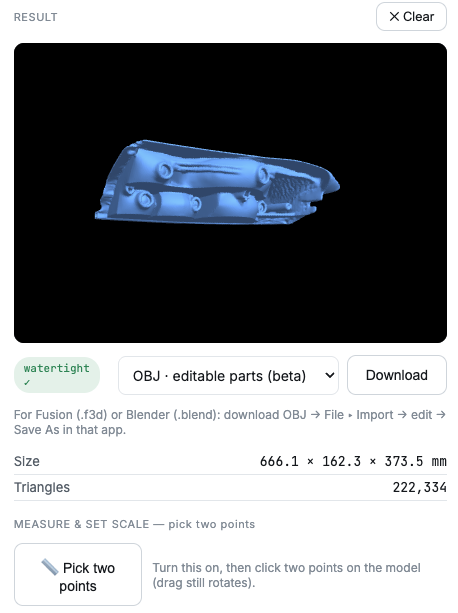
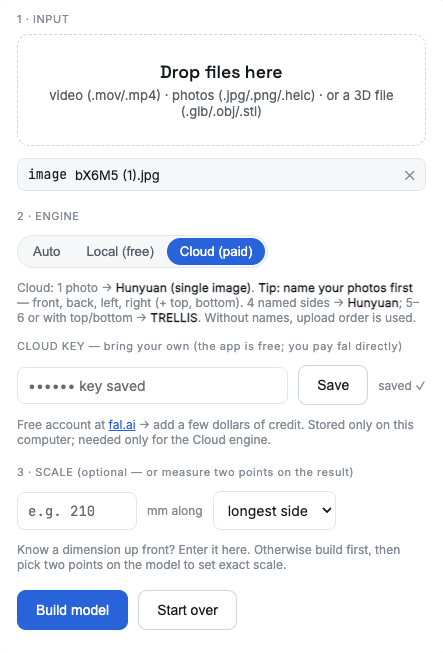
Drag in a video or photos, pick an engine, and get a printable model — with a live 3D preview, two-point scaling, and one-click export to STL / OBJ / STEP. Runs entirely on your Mac, no account.
CALIBER
app-import.png
app-result.png
left: drop files & choose an engine · right: preview, measure, and export

taillight-photo.jpg
the real part
→
taillight-model.png
Caliber model
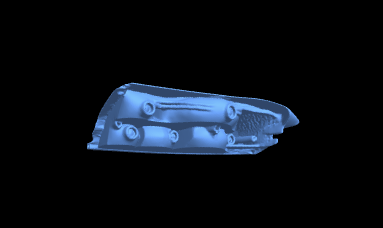
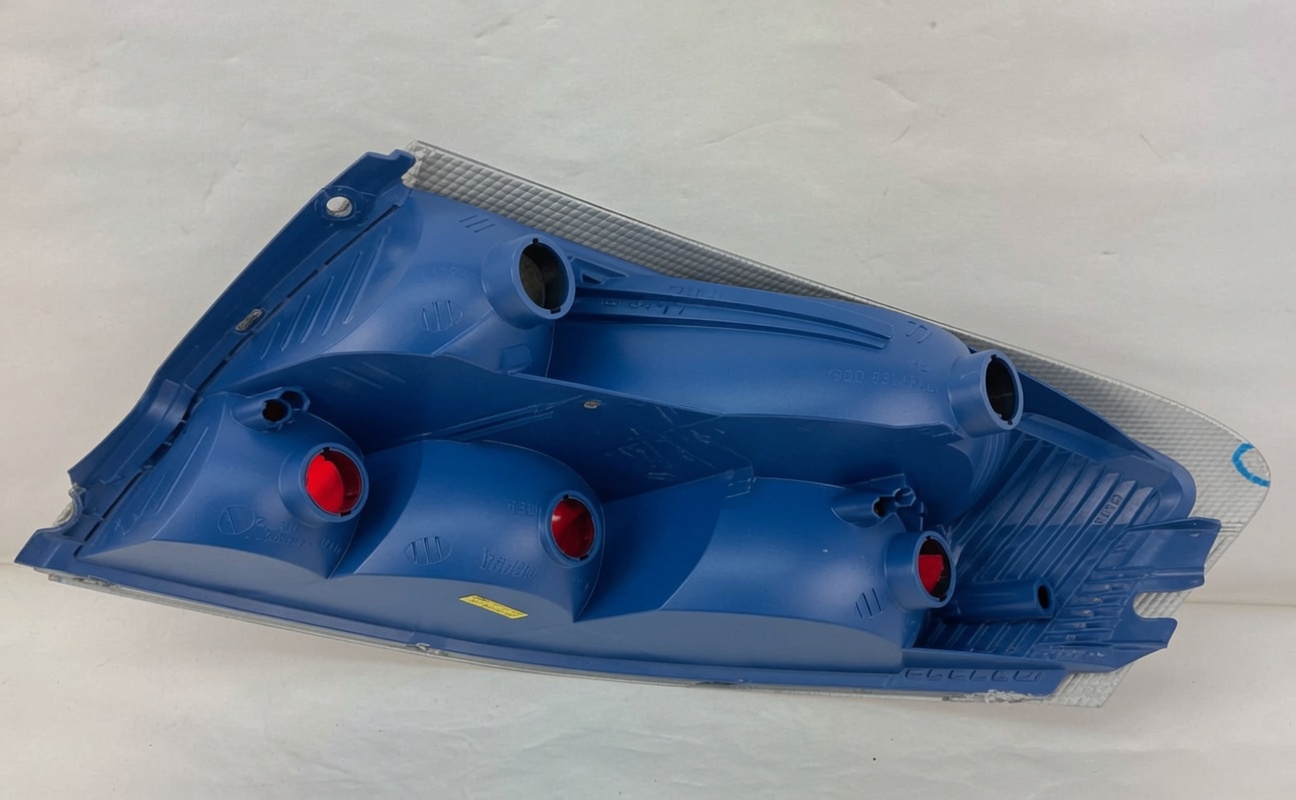
Car tail-light housing
A discontinued plastic housing scanned into a clean, detailed mesh — mounting bosses, ribs, and the contoured body all intact. It's a freeform part, so the model is an accurate reference mesh you rebuild the repair on.
Local engineMeshFreeform → reference
bottle-photo.jpg
the real part
→
bottle-model.png
Caliber model
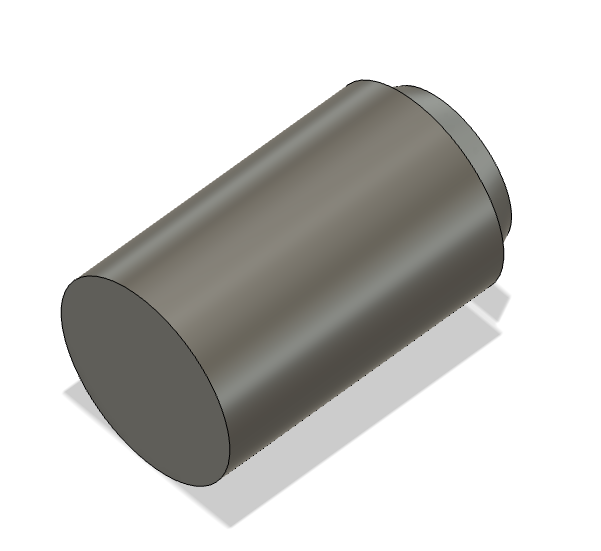
Supplement bottle → editable CAD
A primitive-shaped object, so Caliber goes all the way to CAD: the body comes out as a true STEP cylinder solid you can open in Fusion and edit — change the diameter or height, no mesh wrangling.
Cloud / LocalSTEP solidPrimitive → editable
porsche-photo.jpg
the real object
→
porsche-model.png
Caliber model
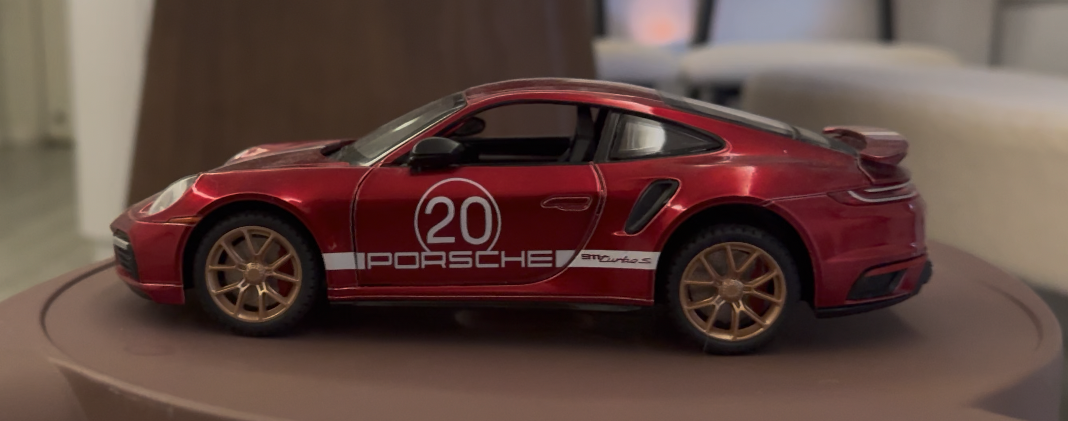
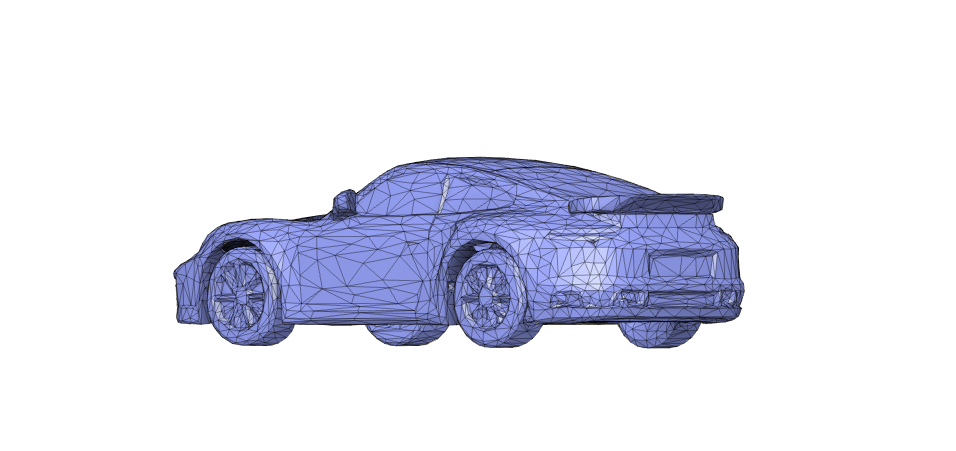
Die-cast Porsche 911
A glossy, symmetric model car — the classic case photogrammetry can't touch. The Cloud engine recognises it and rebuilds the whole shape: body, wheels, spoiler, mirrors. A printable mesh and a strong first draft.
Cloud engineMeshShiny / symmetric
Two output types, both honest: primitive-shaped parts become editable CAD solids; freeform / organic shapes become accurate meshes you print or rebuild on. Caliber tells you which you're getting.